



Mix R
Mix R
Couldn't load pickup availability
Introducing Mix R. Versatile by design, precise by nature. A flexible layout built to adapt to any workflow.
- Fully Customisable RGB LEDs.
- 18 Triple Function Encoders.
- 10 Momentary Switches.
- USB-C Connectivity.
- Bus-Powered.
- 3 Control Modes.
- Solid Walnut Inlays.
- VST3, AU, AAX Compatible.
- MacOS & Windows Compatible.
- All Major DAWs Supported.
- 1000+ Pre-Made Maps


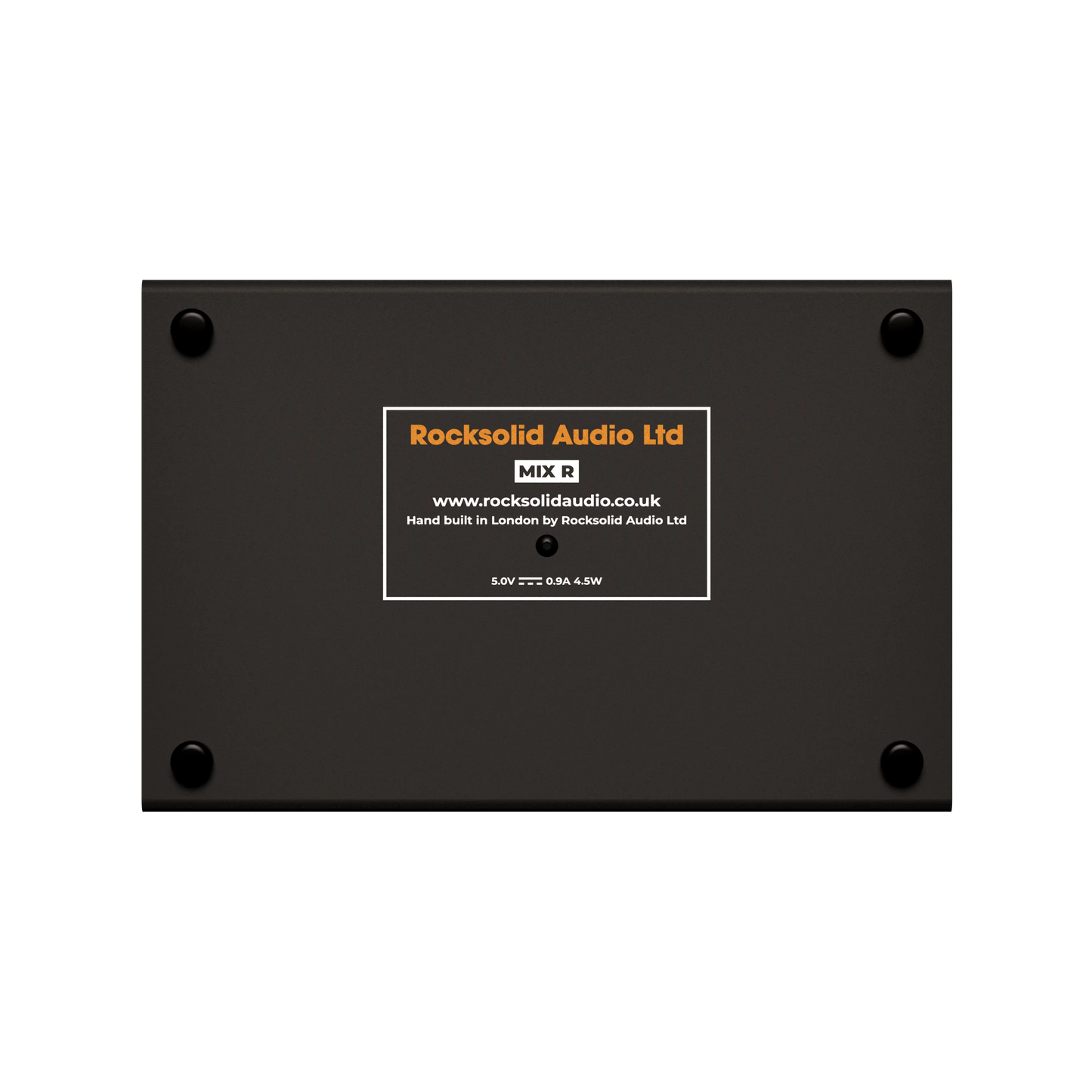


Solid Walnut Inlays
Steel Chassis


Fully customisable LED's
Bus-Powered
USB-C Connectivity


Triple Function Encoders
-
Turn
The Mix R has 18 Triple function encoders allowing for a lot of options. They provide the perfect amount of torque to give you the exact feel of a real analog console. So, when you reach out and start turning, it will reflect exactly what you are doing.
-
Push + Turn
Unique to the Mix R are its triple-function encoders. We have added an extra functionality to the Mix R that provides even more flexibility. You can map an encoder either by turning or by pushing and turning simultaneously. This means each encoder can have two different functions mapped to it.
-
Push
Each encoder has a built-in momentary switch. This is perfect for mapping default values for quick resetting, or you can get more creative by mapping a specific encoder value for super-fast automation.
Dedicated Software
Every Rocksolid Audio device has free access to RA Control, our dedicated plugin control environment. RA Control consists of three modes: Host Mode, Mouse Mode, and Midi Mode. You can find out more information, including system compatibility, by following the link below.
Compatibility
Supported Hardware
- Mix R
- Mix S
- Micro 4k
- Micro 3
- Control Strip 2
- Any Midi Device (Subscription Required)
Supported Software
- All Major Daws and Applications Supported
For a more in-depth exploration of application support, please see the following section.
Supported Operating Systems
- Window 10 & 11
- macOS Mojave and Upwards (Intel & Apple Silicon)
Available Formats
Host Mode loads VST3 Plugins and is available in the below formats
- VST3
- AU
- AAX
Fully Tested Applications
Pro Tools
Host Mode
Available Formats: Host Mode is available as an AAX plugin and works for all versions of Pro Tools. Please note that within Host Mode, only VST3 plugins are supported for loading.
Sync: Hosts will become automatically active when selecting them from the channels inserts.
Intelligent Host Switching: Currently not supported.
Virtual Screen: Currently not supported.
Mouse Mode
Complete functionality on Pro Tools 9 and higher. Mouse Mode works on any static window element.
Midi Mode
Pro Tools supports Midi Mapping of
Plugin Instruments but not Plugin Inserts. Please read your specific DAWs Midi capabilities.
Logic Pro
Host Mode
Format: Host Mode is available as an AU plugin and works for all versions of Logic Pro. Please note that within Host Mode, only VST3 plugins are supported for loading.
Sync: Hosts will become automatically active when selecting them for the channels inserts.
Intelligent Host Switching: Complete functionality in Logic 10 and higher.
Virtual Screen: Partial functionality in Logic 10 and below Logic 11 currently not supported. The Virtual Screen will only display Host Mode plugins. Hosts can be selected directly from the Virtual Screen.
Mouse Mode
Complete functionality on all versions of Logic. Mouse Mode works on any static window element.
Midi Mode
Logic supports Midi Mapping of Plugin Instruments, Plugin Effects and many elements with the DAW itself. Please read your specific DAWs Midi capabilities.
Cubase & Nuendo
Host Mode
Format: Host Mode is available as an AU and VST3 plugin and works for all versions of Cubase and Nuendo. Please note that within Host Mode, only VST3 plugins are supported for loading.
Sync: Hosts will become automatically active when selecting them from the channels inserts section.
Intelligent Host Switching: Complete functionality on Cubase and Nuendo 12 and Higher. Hosts can be automatically selected when changing channels including Default, Favourites and Last Selected.
Virtual Screen: Partial functionality on Cubase and Nuendo 12 and Higher. The Virtual Screen will only display Host Mode plugins. Hosts can be selected directly from the Virtual Screen.
Mouse Mode
Complete functionality on all versions of Cubase and Nuendo. Mouse Mode works on any static window element.
Midi Mode
Cubase and Nuendo supports Midi Mapping of Plugin Instruments, Plugin Effects and many elements within the DAW itself. Please read your specific DAWs Midi capabilities.
Ableton
Host Mode
Format: Host Mode is available as an AU and VST3 plugin and can be used with any version of Ableton 9 and higher. Please note that within Host Mode, only VST3 plugins are supported for loading.
Sync: Hosts will become automatically active when selecting them from the channels inserts section.
Intelligent Host Switching: Complete functionality. Hosts can be automatically selected when changing channels including Default, Favourites and Last Selected.
Virtual Screen: Complete functionality. All inserts from the selected channel are displayed, including third-party inserts. Hosts can be selected directly from the Virtual Screen.
Mouse Mode
Complete functionality on Ableton 9 and Higher. Mouse Mode works on any static window element.
Midi Mode
Ableton supports Midi Mapping of Plugin Instruments, Plugin Effects and many elements with the DAW itself. Please read your specific DAWs Midi capabilities
Studio One
Host Mode
Format: Host Mode is available as an AU and VST3 plugin and can be used with any version of Studio One 5 and higher. Please note that within Host Mode, only VST3 plugins are supported for loading.
Sync: Hosts will become automatically active when selecting them from the channels inserts section.
Intelligent Host Switching: Complete functionality on macOS only. Hosts can be automatically selected when changing channels including Default, Favourites and Last Selected.
Virtual Screen: Partial functionality on macOS Only. The Virtual Screen will only display Host Mode plugins. Hosts can be selected directly from the Virtual Screen.
Mouse Mode
Full support on Studio One 3 and Higher. Mouse Mode works on any static window element.
Midi Mode
Studio One supports Midi Mapping of Plugin Instruments, Plugin Effects and many elements with the DAW itself. Please note Studio One only accepts Midi device sending Absolute CC Messages. Please read your specific DAWs Midi capabilities.
Reaper
Host Mode
Format: Host Mode is available as an AU and VST3 plugin and can be used with any version of Reaper 5 and higher. Please note that within Host Mode, only VST3 plugins are supported for loading.
Sync: Hosts will become automatically active when selecting them from the channels inserts section.
Intelligent Host Switching: Complete functionality. Hosts can be automatically selected when changing channels including Default, Favourites and Last Selected.
Virtual Screen: Complete functionality. All inserts from the selected channel are displayed, including third-party inserts. Hosts can be selected directly from the Virtual Screen.
Mouse Mode
Complete functionality on Reaper 5 and Higher. Mouse Mode works on any static window element.
Midi Mode
Reaper supports Midi Mapping of Plugin Instruments, Plugin Effects and many elements with the DAW itself. Please read your specific DAWs Midi capabilities.
FL Studio
Host Mode
Format: Host Mode is available as an AU and VST3 plugin and can be used with any version of FL Studio. Please note that within Host Mode, only VST3 plugins are supported for loading.
Sync: Hosts will become automatically active when selecting them from the channels inserts section.
Intelligent Host Switching: Complete functionality. Hosts can be automatically selected when changing channels including Default, Favourites and Last Selected.
Virtual Screen: Complete functionality. All inserts from the selected channel are displayed, including third-party inserts. Hosts can be selected directly from the Virtual Screen.
Mouse Mode
Full support on FL Studio 2024 and Higher. Mouse Mode works on any static window element.
Midi Mode
FL Studio supports Midi Mapping of Plugin Instruments, Plugin Effects and many elements with the DAW itself. Please read your specific DAWs Midi capabilities.
Other Applications
Host Mode
Format: Host Mode is available in AU, VST3 and AAX Format. If your Audio or Video Production application can utilise these plugin formats then Host Mode will be functional for it.
Sync: Hosts will become automatically active when selecting them from the channels inserts section.
Intelligent Host Switching: Not Supported
Virtual Screen: Not Supported
Mouse Mode
Mouse Mode works on any static windowed element in any application.
Midi Mode
Please read your specific DAWs Midi capabilities.